CANVA
in classroom
 What is Canva?
This is a platform where we can design posters, videos, brochures and create social media graphics or any thing you want to design.
You can find it in web site or in a download app
so you can be able to work from you computer of your phone.
Canva's tools
Here you can design anything starting from zero but here are a lot of templates that you can use and modificate, here also you can use the millions of images it has, the photo filters, use the text and hundred of fonts
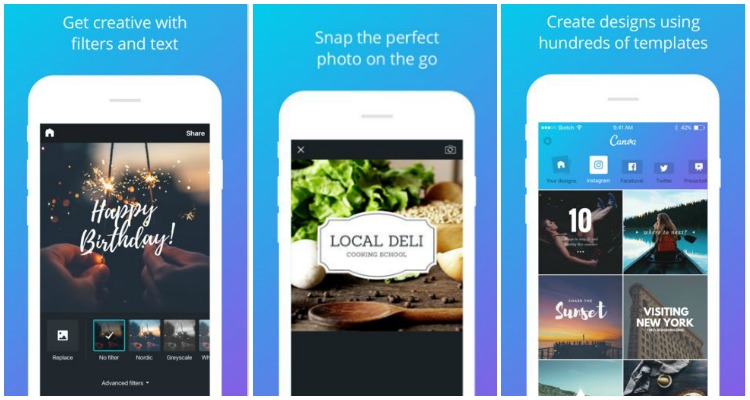


Variety of templates: As I said at the beginin, here you can find tamplates of facebook post, instagram post, presentations, videos, flyers, cads, twitter post, etc,and all these template you can use it in classroom, now with virtual class you are able to use canva for presentations or work in a template shared, you can create your own team to work in a same document.


As teacher: Some activities could be developed here in canva for example use the variety of infographics to introduce a topic easily to students, also they can be able to work in teams here in canva and develop presentations, also create videos for task.
In addition it is easy to use , you just need to create your account and start disagne new material for your students or also your students can create material for homework. If you want to have access to all the shapes, icons, stickers , you can pay for a subscription. There are still a lot of free images, shapes, frames, etc.

This is a video in witch you can see how to use all the canva's tools and the different uses for school or as a teacher the uses that you can give it. I hope it was useful to you!

No hay comentarios.:
Publicar un comentario